Proof from the product
Real UI snapshot used to anchor the operational workflow described in this article.
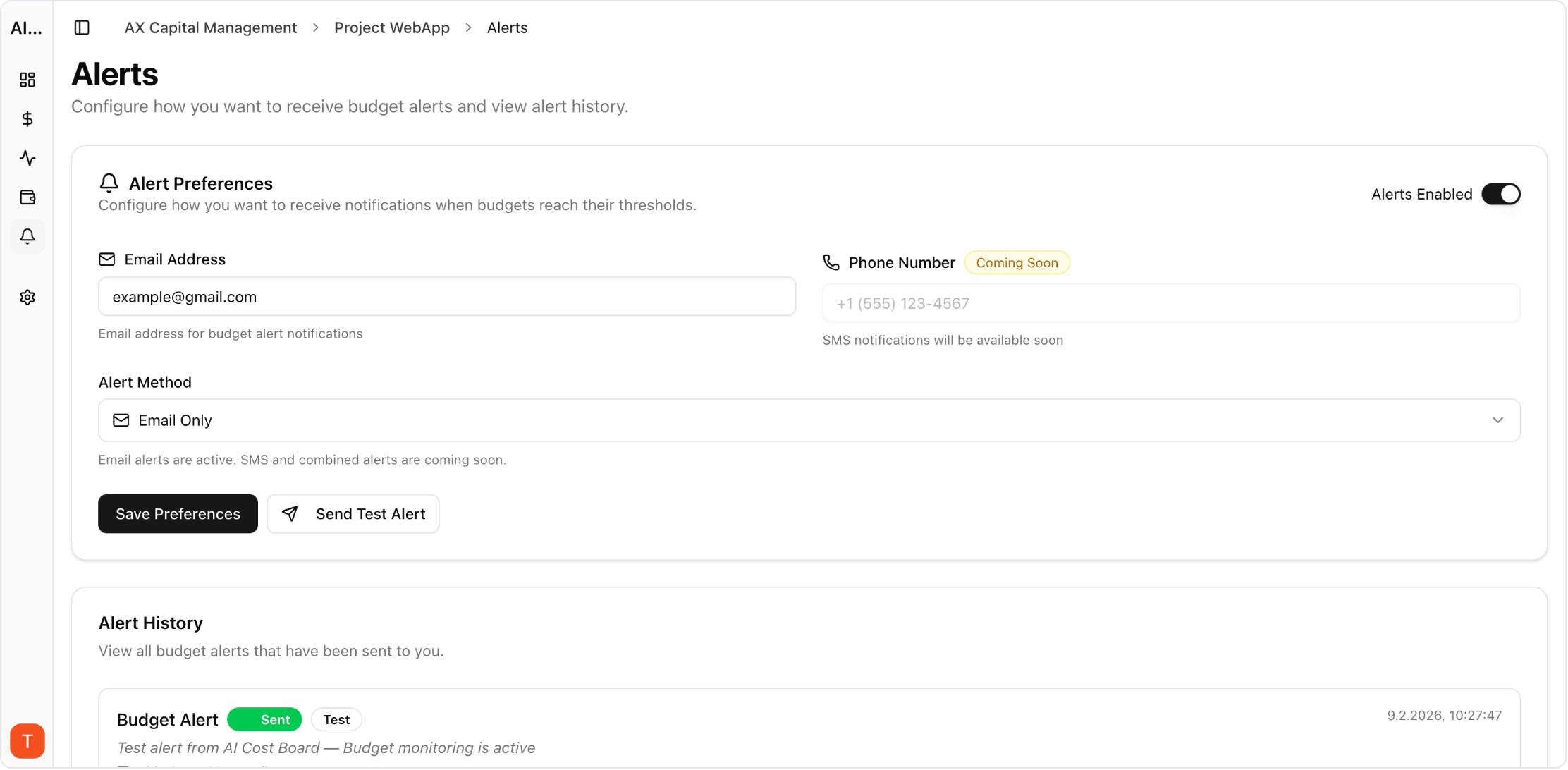
LangChain and LlamaIndex are the most popular frameworks for building LLM applications, but their built-in monitoring capabilities are limited. Production applications need external observability for cost tracking, performance monitoring, and debugging. This guide covers integration patterns for adding comprehensive monitoring to LangChain and LlamaIndex applications without significant code changes.
Real UI snapshot used to anchor the operational workflow described in this article.
Both frameworks abstract away LLM API calls behind chains, agents, and pipelines. This abstraction is great for development but hides cost and performance details. A single LangChain chain might make 5-10 LLM calls internally, and without external monitoring, you cannot see which step costs the most, which model is used where, or where latency bottlenecks occur.
The simplest approach is provider-level API key monitoring. Connect your OpenAI, Anthropic, and other API keys to AI Cost Board. Every call made by LangChain through these keys is automatically tracked with cost, latency, and token metrics. No LangChain code changes required — monitoring happens at the API level.
LlamaIndex RAG pipelines involve embedding calls, retrieval operations, and LLM generation — each with different cost profiles. API-level monitoring captures all LLM and embedding costs automatically. Track per-query costs by tagging requests with query metadata. This reveals whether costs are dominated by embedding (indexing), retrieval (search), or generation (synthesis).
When a LangChain agent or LlamaIndex query costs more than expected, use request-level logs to trace the execution. Look for: excessive retry attempts, unnecessary model calls in agent reasoning loops, oversized context windows in RAG retrieval, and redundant chain executions. AI Cost Board request logs show every API call with timing and cost data for this analysis.
Follow these practices: (1) Monitor at the API key level for comprehensive coverage without code changes. (2) Set per-project budgets for different application components. (3) Alert on per-query cost anomalies for user-facing applications. (4) Review weekly cost reports broken down by framework component. (5) Benchmark key queries against cost baselines to detect regressions from code or data changes.
AI Observability Stack for SaaS Teams: What to Measure Beyond Tokens and Spend
observability · framework
Multi-Provider LLM Strategy: How to Reduce Risk and Improve Uptime in Production
provider-strategy · how-to
AI Cost Anomaly Detection Playbook for High-Volume LLM Products
observability · how-to
LLM Observability for Agency Workspaces: Multi-Client Monitoring That Scales
observability · commercial
Adding monitoring to LangChain and LlamaIndex applications is straightforward with API-level integration. Start with provider key monitoring for immediate visibility, then add per-component tracking as your application matures.