Live pricing snapshot
Input / 1K
$0.0006
Prompt tokens
Output / 1K
$0.0022
Completion tokens
Input / 1M
$0.5500
Large-volume planning
Catalog models
144
Current pricing catalog size
deepseek reasoner pricing
DeepSeek Reasoner pricing shifts can silently increase monthly spend. This page gives a stable baseline for planning and routing decisions.
Benchmark DeepSeek Reasoner pricing before rollout decisions affect production traffic.
Input / 1K
$0.0006
Prompt tokens
Output / 1K
$0.0022
Completion tokens
Input / 1M
$0.5500
Large-volume planning
Catalog models
144
Current pricing catalog size
Real UI snapshot from AI Cost Board used in production workflows.
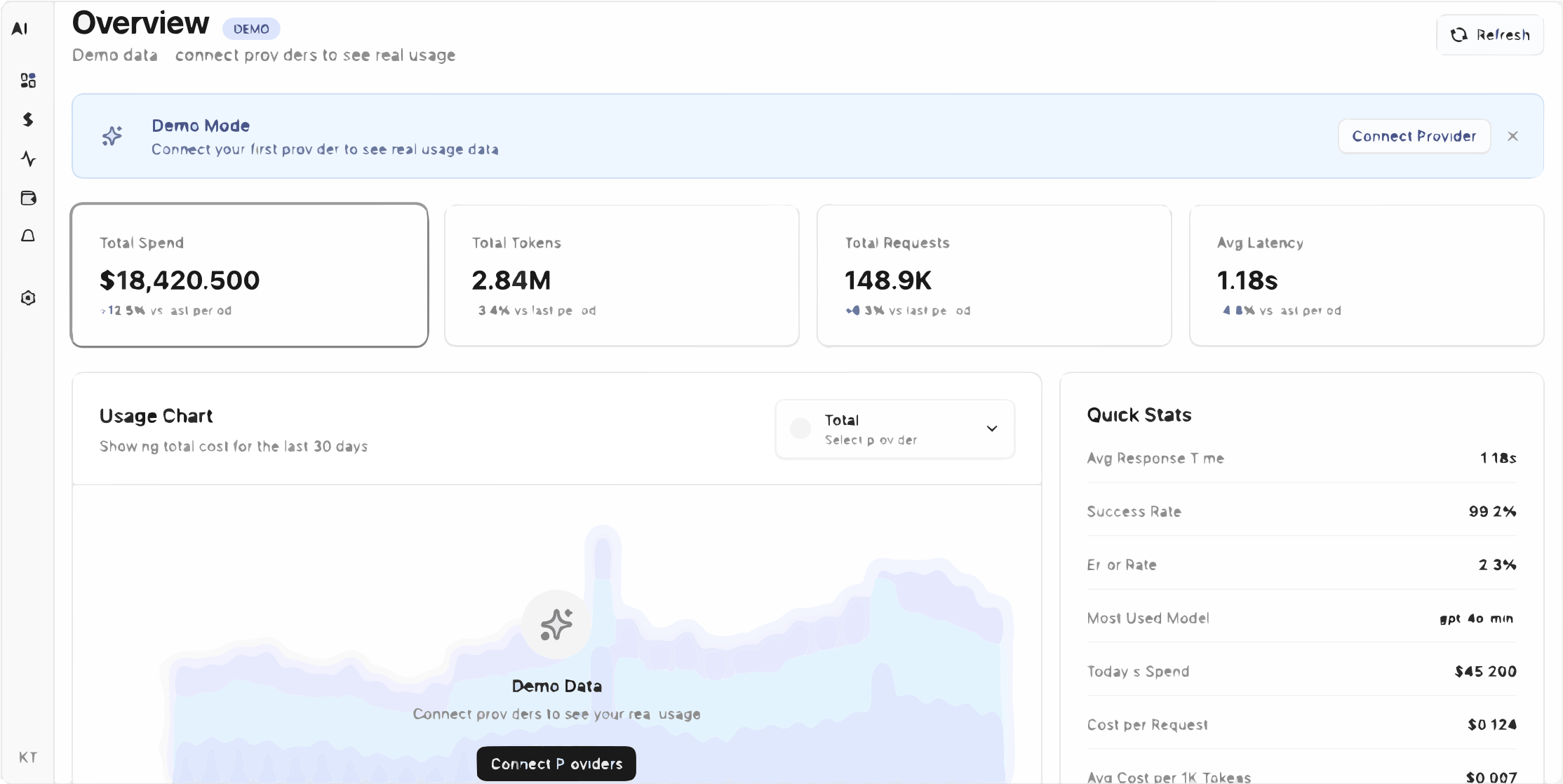
Live pricing and comparison workflow for model selection decisions.
Last updated: Oct 18, 2026, 05:00 AM
| Provider | Model | Input $/1M | Output $/1M | Action |
|---|---|---|---|---|
| DeepSeek | deepseek-reasoner | $0.5500 | $2.2000 | Open calculator |
Use this free tool without login.
If you want ongoing tracking by project/provider, continue in the dashboard.
Use per-token pricing plus your request volume baseline. This page uses live input/output rates for DeepSeek and converts them into per-1K and per-1M views.
Yes. Use the embedded calculator or pricing table first, then multiply by expected request volume and retry behavior.
Track retries, latency, and error rate. Production spend is pricing multiplied by operational behavior.
Use AI Cost Board to monitor cost per team, project, model, and provider with budget alerts and anomaly detection.
Move from one-off estimates to project-level cost, token, latency, and error tracking with alerts.
Start free tracking