What is the difference between LLM cost monitoring and simple provider billing views?
LLM cost monitoring combines pricing with project attribution, request volume, latency, errors, and operational context instead of showing invoice totals only.
llm cost monitoring
Monitor LLM costs, usage, latency, errors, and request logs by project, provider, and workspace with one operational dashboard.
Built for teams comparing observability, cost control, and provider operations workflows before rolling out production AI features.
| Metric | Why it matters |
|---|---|
| Cost per project/workspace | Find ownership and prevent hidden cross-team overruns. |
| Cost per request and per user | Track unit economics for AI features and copilots. |
| Latency + error rate | Prevent low-cost routing choices from hurting reliability. |
| Provider/model mix | Identify expensive defaults and routing opportunities. |
Real UI snapshot from AI Cost Board used in production workflows.
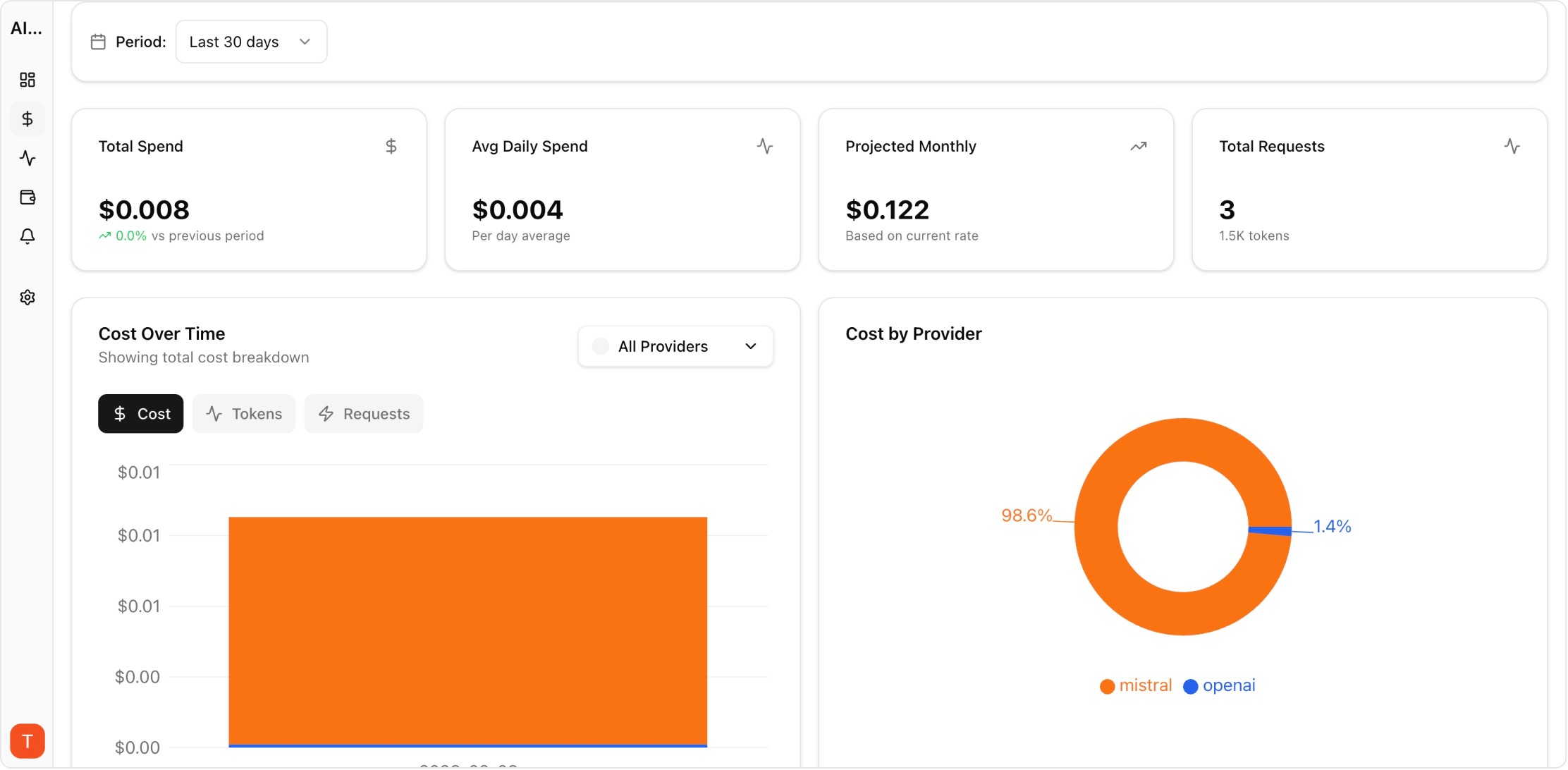
Track spend by project and environment for production ownership.
Monitor AI copilot usage, cost per user, latency, and error rates across product surfaces and cohorts.
Monitor LLM cost, usage, and incidents per client workspace for agencies managing multiple AI deployments.
Apply FinOps discipline to AI API spend with team allocation, variance analysis, forecasts, and governance workflows.
Monitor cost, usage, latency, errors, request logs, and provider performance in one operational dashboard.
LLM cost monitoring combines pricing with project attribution, request volume, latency, errors, and operational context instead of showing invoice totals only.
Engineering, product, and finance should share the same metrics while using role-specific views for debugging, forecasting, and budget decisions.
Yes. AI Cost Board is designed for multi-provider monitoring with unified reporting, alerts, and project-level spend breakdowns.