Proof from the product
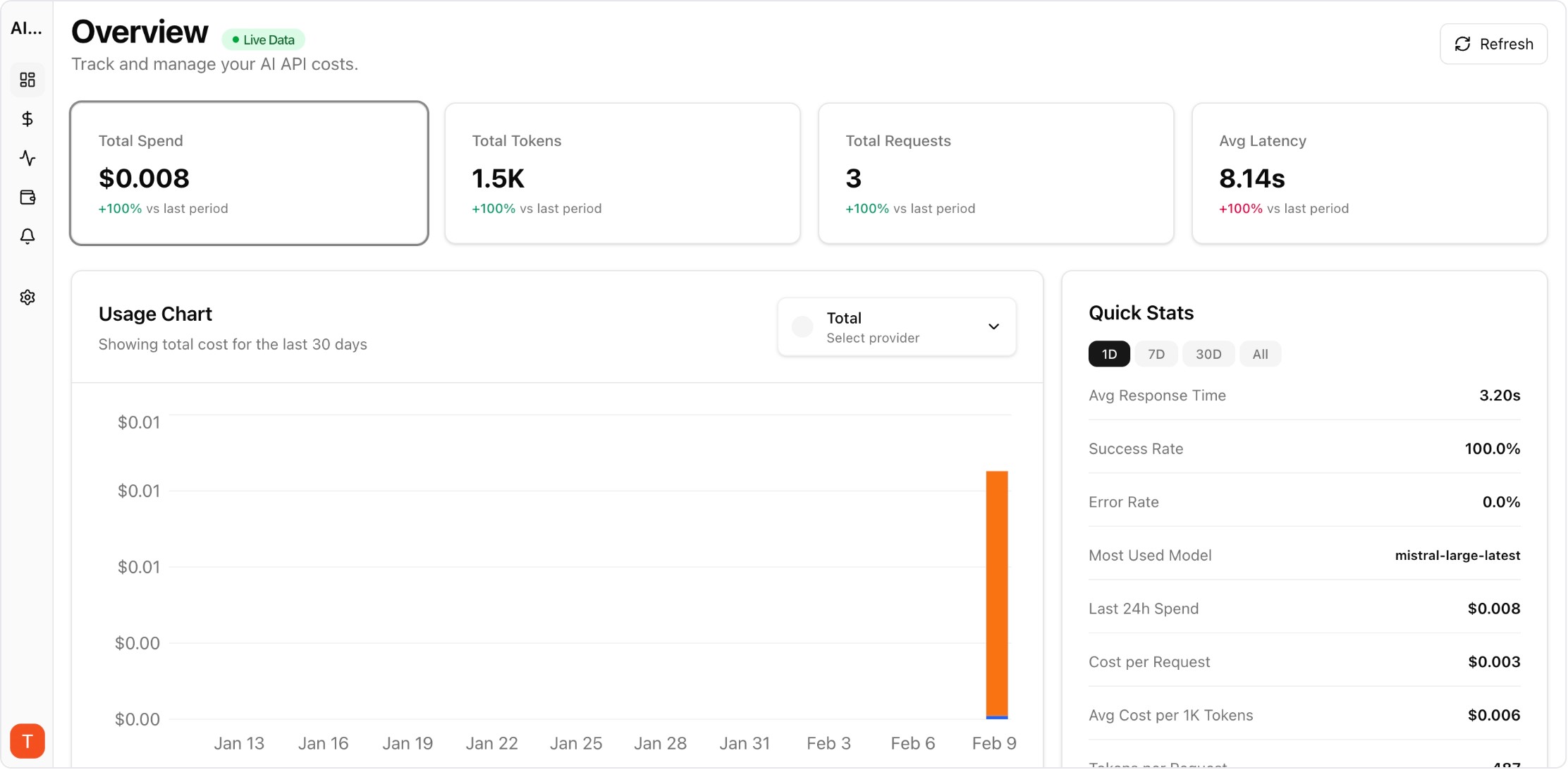
Real UI snapshot used to anchor the operational workflow described in this article.
No-code and low-code automation platforms like n8n, Make.com, and Zapier make it easy to integrate AI into workflows — sometimes too easy. Teams often discover that dozens of automations are making AI API calls without any cost oversight. Because these platforms abstract away the API calls, traditional code-level monitoring does not apply. Here is how to track AI costs across automation workflows.
Real UI snapshot used to anchor the operational workflow described in this article.
Automation platforms hide AI API calls behind visual workflow nodes. A single Make.com scenario might call GPT-4 in three different steps, but you only see one scenario execution in the platform logs. Cost attribution, per-step monitoring, and budget controls require external tooling because the automation platforms themselves provide minimal AI cost visibility.
The most effective approach is monitoring at the API key level. Create dedicated API keys for your automation workflows — one key per platform or per major workflow category. Connect these keys to AI Cost Board. Every AI call made by n8n, Make.com, or Zapier through these keys is automatically tracked with full cost and usage metrics, regardless of how the automation platform reports it.
Map API keys to project workspaces based on your workflow organization. For example: one workspace for customer-facing automations, another for internal operations, and a third for data processing workflows. This gives you per-category cost views and budget controls. Use separate API keys for high-volume workflows that need individual monitoring.
Automation workflows can scale cost rapidly because they run without human oversight. Set daily budget alerts at conservative thresholds — automations that run 24/7 can accumulate significant costs overnight. Configure per-key budget limits to prevent any single workflow from generating unbounded API costs. Review automation AI costs weekly alongside your workflow performance metrics.
Common optimization opportunities: (1) Use cheaper models for simple automation tasks — most classification and extraction in automations works fine with GPT-4o-mini. (2) Add caching nodes before AI steps to avoid redundant calls. (3) Batch multiple items into single API calls instead of one call per item. (4) Review trigger frequency — do workflows need to run every minute, or is hourly sufficient?
Multi-Provider LLM Strategy: How to Reduce Risk and Improve Uptime in Production
provider-strategy · how-to
AI Cost Anomaly Detection Playbook for High-Volume LLM Products
observability · how-to
Expensive Prompt Red Team Checklist: Find Cost Risks Before Production
governance · how-to
How to Track LLM API Costs Across Multiple Providers
cost-tracking · how-to
AI costs in automation platforms are a growing blind spot for many teams. API key-level monitoring provides immediate visibility without changing your existing workflows. Start tracking before costs become a surprise.