Proof from the product
Real UI snapshot used to anchor the operational workflow described in this article.
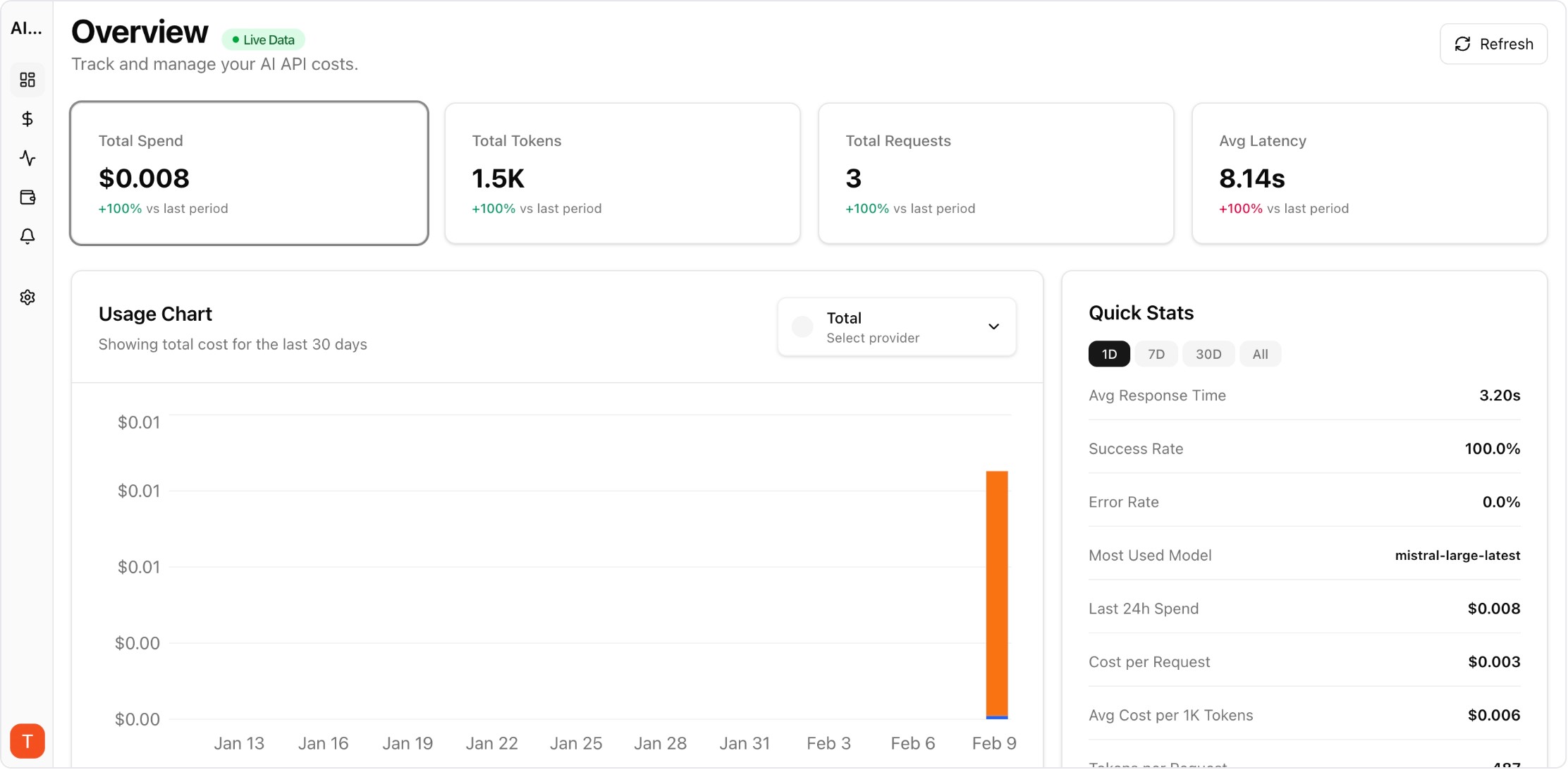
Most teams using LLM APIs start with a single provider and a simple billing page. But as projects grow to two, three, or five providers, cost visibility fragments across separate dashboards. Unified cost tracking across providers is the foundation for controlling AI spend. This guide shows how to set up multi-provider cost monitoring with attribution, alerts, and reporting.
Real UI snapshot used to anchor the operational workflow described in this article.
Each provider — OpenAI, Anthropic, Google, Mistral, Cohere — has its own billing dashboard, pricing model, and usage metrics. Without a unified layer, teams manually reconcile spending across portals, leading to blind spots, delayed detection of cost anomalies, and no project-level attribution. The problem compounds as teams adopt more models for different use cases.
An effective multi-provider tracking setup needs four components: (1) unified ingestion of usage data from all provider APIs, (2) normalization of cost metrics to a common format, (3) project or team-level attribution so spend is assigned to the right owner, and (4) alerting on anomalies and budget thresholds. AI Cost Board provides all four out of the box with API key integrations.
Start by connecting your highest-spend providers. Add API keys for OpenAI, Anthropic, and Google in your monitoring tool. AI Cost Board auto-discovers models, maps token usage to current pricing, and begins tracking within minutes. No proxy or code changes required — just API key integration.
Cost attribution answers "which project or team is responsible for this spend?" Configure project workspaces and map API keys or request metadata to projects. This enables per-project dashboards, budget enforcement, and chargeback reporting. Without attribution, cost optimization efforts lack accountability.
Set budget thresholds per project and per provider. Configure alerts for daily spend spikes, unusual token consumption patterns, and approaching budget limits. Anomaly detection catches issues like retry storms, prompt injection attacks generating excessive tokens, or accidental model upgrades before they become expensive incidents.
Export monthly cost reports broken down by provider, project, model, and team. Include trend analysis, forecast projections, and variance explanations. These reports bridge the gap between engineering usage and finance oversight, enabling data-driven decisions about model selection and provider allocation.
Multi-Provider LLM Strategy: How to Reduce Risk and Improve Uptime in Production
provider-strategy · how-to
AI Cost Anomaly Detection Playbook for High-Volume LLM Products
observability · how-to
Expensive Prompt Red Team Checklist: Find Cost Risks Before Production
governance · how-to
How to Reduce OpenAI API Costs by 50%
cost-optimization · how-to
Unified LLM cost tracking is not optional at scale. Start with provider connections and attribution, then layer on alerts and reporting. The earlier you set up multi-provider monitoring, the faster you can catch anomalies and optimize spend.