Proof from the product
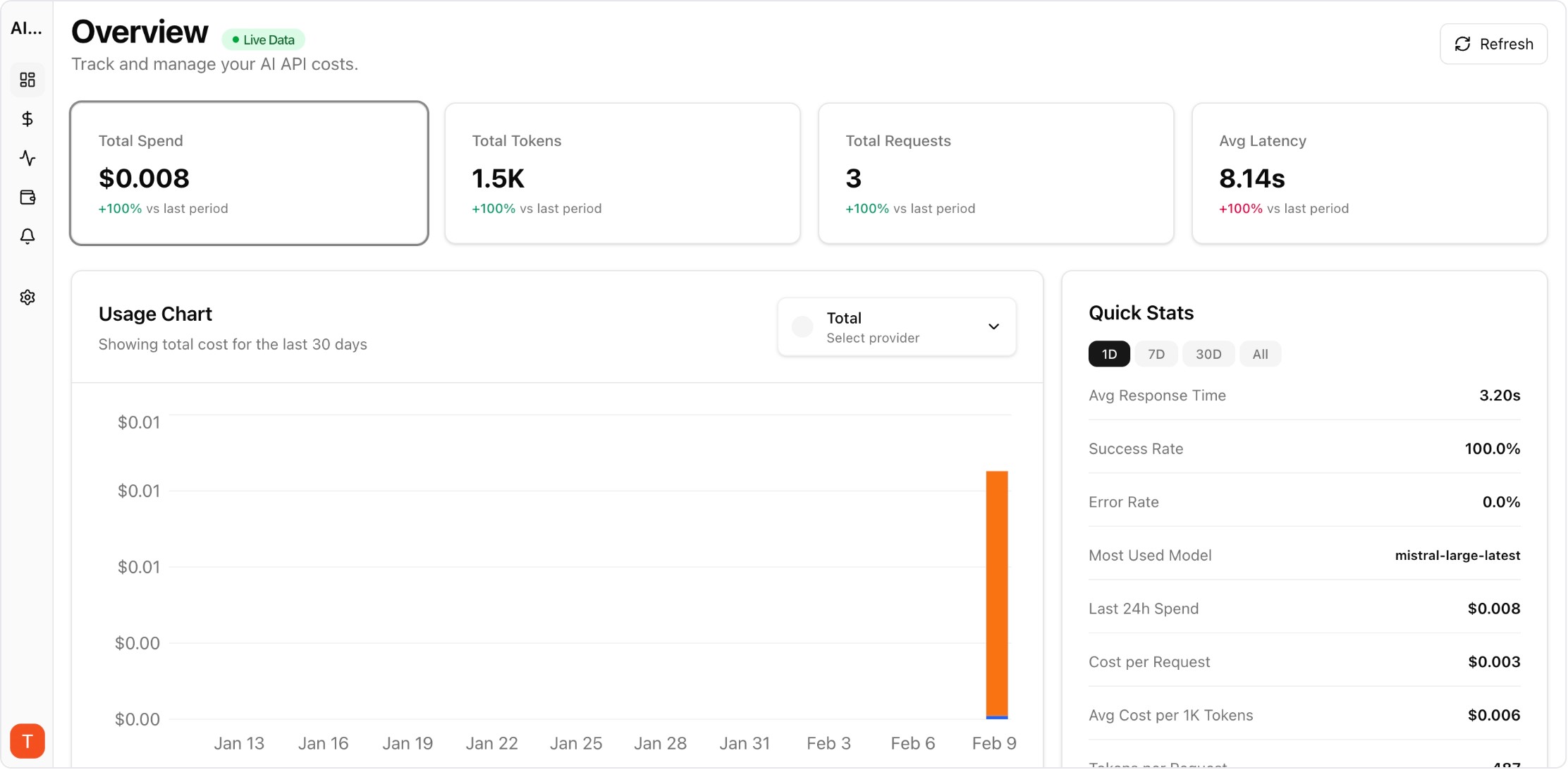
Real UI snapshot used to anchor the operational workflow described in this article.
Google Gemini builds up context about you over time — your preferences, communication style, and project knowledge. When you want to switch to Claude or use both side by side, you do not have to lose that context. Claude Memory Import lets you bring your Gemini context into Claude. Here is how to do it step by step.
Real UI snapshot used to anchor the operational workflow described in this article.
Gemini does not have a dedicated memory export button like Claude, but you can extract your context through conversation. Open Gemini and ask: "Please provide a detailed summary of everything you remember about me, including my name, preferences, communication style, projects, technical stack, and any instructions I have given you. Be specific and use my exact words where possible." Copy the entire response. If you have used Gemini across multiple workspaces or projects, repeat this in each context.
Clean up the exported text before importing: (1) Remove Gemini-specific references (like Google Workspace integrations or Gemini Extensions). (2) Organize into clear categories: Identity, Preferences, Technical Context, Projects, and Instructions. (3) Convert any Google-specific terminology to neutral terms. (4) Add any context Gemini may have missed — sometimes AI assistants forget details that were mentioned only once.
In Claude, go to Settings then Capabilities and find the memory import option. Paste your prepared text and select Add to memory. Claude processes the text and creates individual memory entries. Review the results via Manage edits. For large exports, consider importing in sections — Identity and Preferences first, then Technical Context, then Projects — to ensure nothing gets lost in a single large import.
Many users find that Gemini and Claude excel at different tasks. Gemini integrates deeply with Google Workspace and handles long documents well. Claude offers stronger reasoning and coding capabilities. You can use both effectively by importing the same base context into each. When running multiple AI providers, track your API costs across both with a monitoring tool like AI Cost Board to understand which provider delivers the best value for each type of task.
After initial migration, your AI contexts will diverge as you use each service differently. Best practice: periodically export from your primary AI and re-import into secondary ones. Keep a master context document that you update manually with important changes. This document becomes your portable AI identity that works with any provider — Claude, Gemini, ChatGPT, or whatever comes next.
Multi-Provider LLM Strategy: How to Reduce Risk and Improve Uptime in Production
provider-strategy · how-to
LLM Retry Policy Cost Impact: How Backoff Rules Change Your AI Bill
provider-strategy · commercial
Shadow Traffic Provider Evaluation: Compare LLM Providers Without User Risk
provider-strategy · problem
AI Cost Anomaly Detection Playbook for High-Volume LLM Products
observability · how-to
Switching from Gemini to Claude does not mean rebuilding your AI relationship from scratch. Export, import, and verify — your context travels with you.