Proof from the product
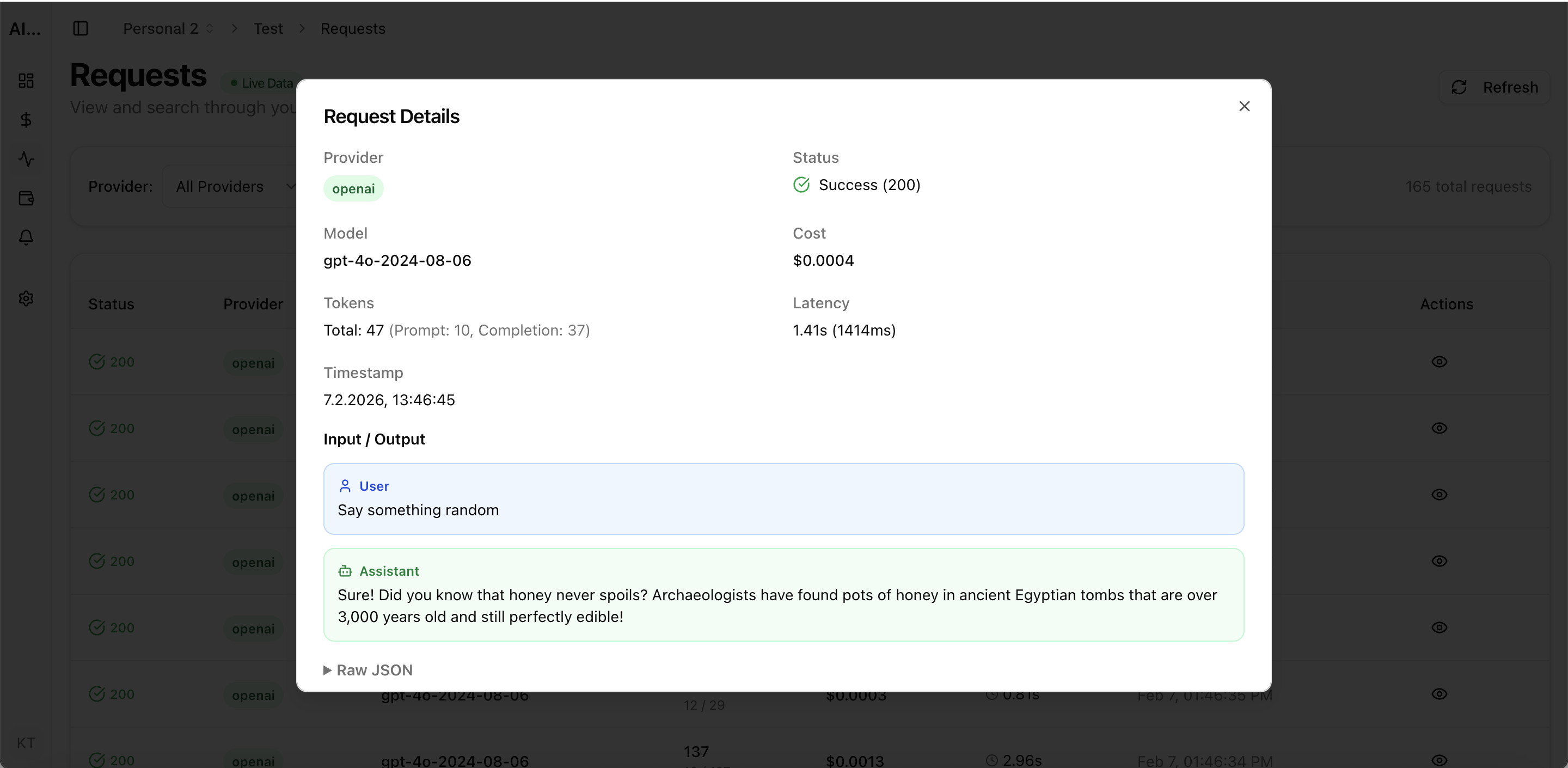
Real UI snapshot used to anchor the operational workflow described in this article.
Startups building with LLM APIs face a unique challenge: they need cost visibility from day one but cannot afford enterprise-grade observability platforms. The good news is that effective LLM cost tracking for startups does not require complex infrastructure. With the right tool and a 30-minute setup, you can have budget alerts, per-project attribution, and cost dashboards running before your first production deployment.
Real UI snapshot used to anchor the operational workflow described in this article.
AI API costs are the fastest-growing line item for most AI startups. Unlike server costs that scale predictably, LLM costs can spike 10x overnight from a single feature change or traffic surge. Early cost tracking prevents budget surprises, helps with investor reporting, and builds cost-aware habits in the engineering team from the start.
The minimum setup has three components: (1) provider connection via API key, (2) a dashboard showing daily and monthly spend by model, and (3) a budget alert that notifies you when daily spend exceeds a threshold. This takes under 30 minutes with AI Cost Board and immediately gives you visibility that the provider billing page alone cannot provide.
Start with a daily budget alert at 2x your average daily spend. This catches anomalies without triggering false positives. Add a monthly budget alert at your planned burn rate. As you learn your usage patterns, tighten thresholds. The goal is early warning, not perfect prediction — one alert that catches a cost spike saves more than a month of reporting.
Add attribution when you have two or more distinct AI features or when multiple team members are making API calls. Map each feature to a project workspace so you can see exactly which part of your product drives which costs. This is essential for pricing your product, planning capacity, and making model selection decisions per feature.
As your team grows from 2 to 10+ engineers, monitoring evolves into governance. Add per-team budgets, approval workflows for new model usage, and monthly cost review meetings. This transition is natural when your monitoring tool supports team workspaces and role-based access — avoid tools that require a platform rewrite when you scale.
Multi-Provider LLM Strategy: How to Reduce Risk and Improve Uptime in Production
provider-strategy · how-to
AI Cost Anomaly Detection Playbook for High-Volume LLM Products
observability · how-to
Expensive Prompt Red Team Checklist: Find Cost Risks Before Production
governance · how-to
How to Track LLM API Costs Across Multiple Providers
cost-tracking · how-to
Start simple, iterate fast. A basic cost tracking setup on day one is worth more than a perfect observability platform on day ninety. The habit of cost awareness compounds over time.