Proof from the product
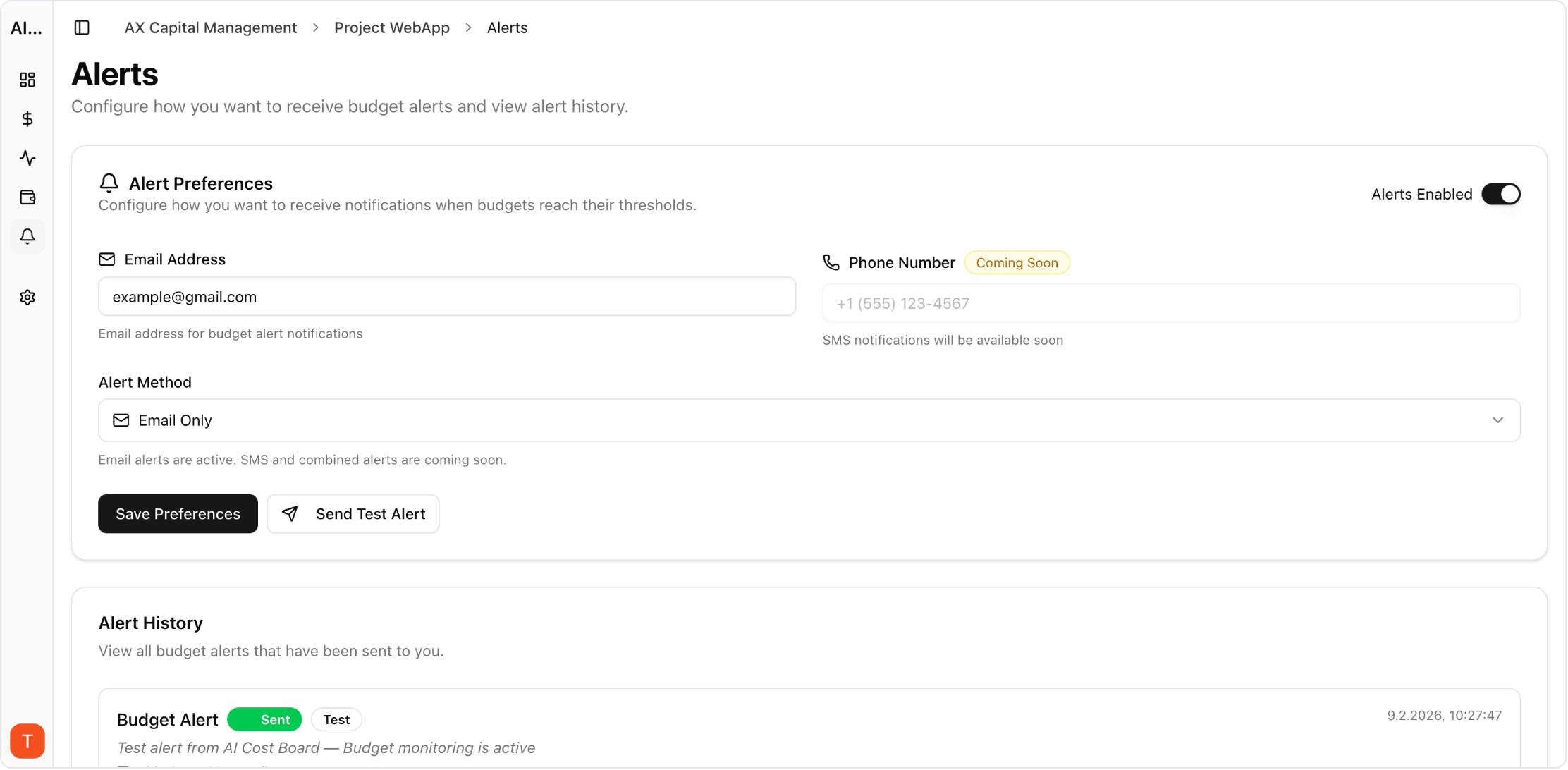
Real UI snapshot used to anchor the operational workflow described in this article.
LLM API latency directly impacts user experience and application performance. A 2-second delay in a chatbot response feels sluggish. A 10-second timeout in an agent workflow breaks the entire chain. Monitoring latency, time-to-first-token, and error rates across LLM providers is essential for maintaining application quality — and understanding the cost-performance tradeoffs of different models.
Real UI snapshot used to anchor the operational workflow described in this article.
LLM APIs have variable latency depending on model, prompt length, output length, and provider load. Unlike traditional APIs with sub-100ms responses, LLM calls typically take 1-30 seconds. This variability makes monitoring essential: you need to detect degradation early, understand P50/P95/P99 latency distributions, and correlate latency with cost to make informed model selection decisions.
Key LLM performance metrics: (1) Time-to-first-token (TTFT) — how quickly the response starts streaming. (2) Total response time — end-to-end latency. (3) Tokens per second — throughput rate. (4) Error rate — percentage of failed requests. (5) Timeout rate — requests exceeding time limits. (6) Cost per request — correlate with performance. Track these per model, per provider, and per endpoint.
Start with API-level monitoring: log request timestamps, response times, and status codes for every LLM call. Use AI Cost Board to track latency alongside costs — understanding the cost-performance tradeoff helps you choose the right model tier. Set up alerts for latency degradation (P95 exceeding baseline by 2x) and error rate increases (above 1%).
Frequent issues: (1) Long prompts increase latency proportionally — optimize prompt length. (2) Provider rate limits cause 429 errors and retries. (3) Model-specific cold starts add latency on first requests. (4) Network latency to provider endpoints varies by region. (5) Streaming vs non-streaming has different latency profiles. Identify which bottleneck affects your application most.
Performance optimization strategies: Use streaming responses for better perceived latency. Implement request queuing to stay within rate limits. Choose region-appropriate provider endpoints. Use smaller models for latency-sensitive tasks (GPT-4o-mini is 2-3x faster than GPT-4o). Implement caching for repeated queries. Monitor with AI Cost Board to ensure optimizations do not increase costs.
LLM Cost Optimization Guide: 11 Tactics to Reduce AI Spend Without Losing Quality
cost-optimization · framework
AI Observability Stack for SaaS Teams: What to Measure Beyond Tokens and Spend
observability · framework
AI Feature Unit Economics Framework for SaaS and Agency Teams
cost-optimization · framework
AI Cost Anomaly Detection Playbook for High-Volume LLM Products
observability · how-to
LLM performance monitoring is as important as cost monitoring. The best LLM strategy balances latency, quality, and cost — and that balance requires continuous monitoring and optimization.