Proof from the product
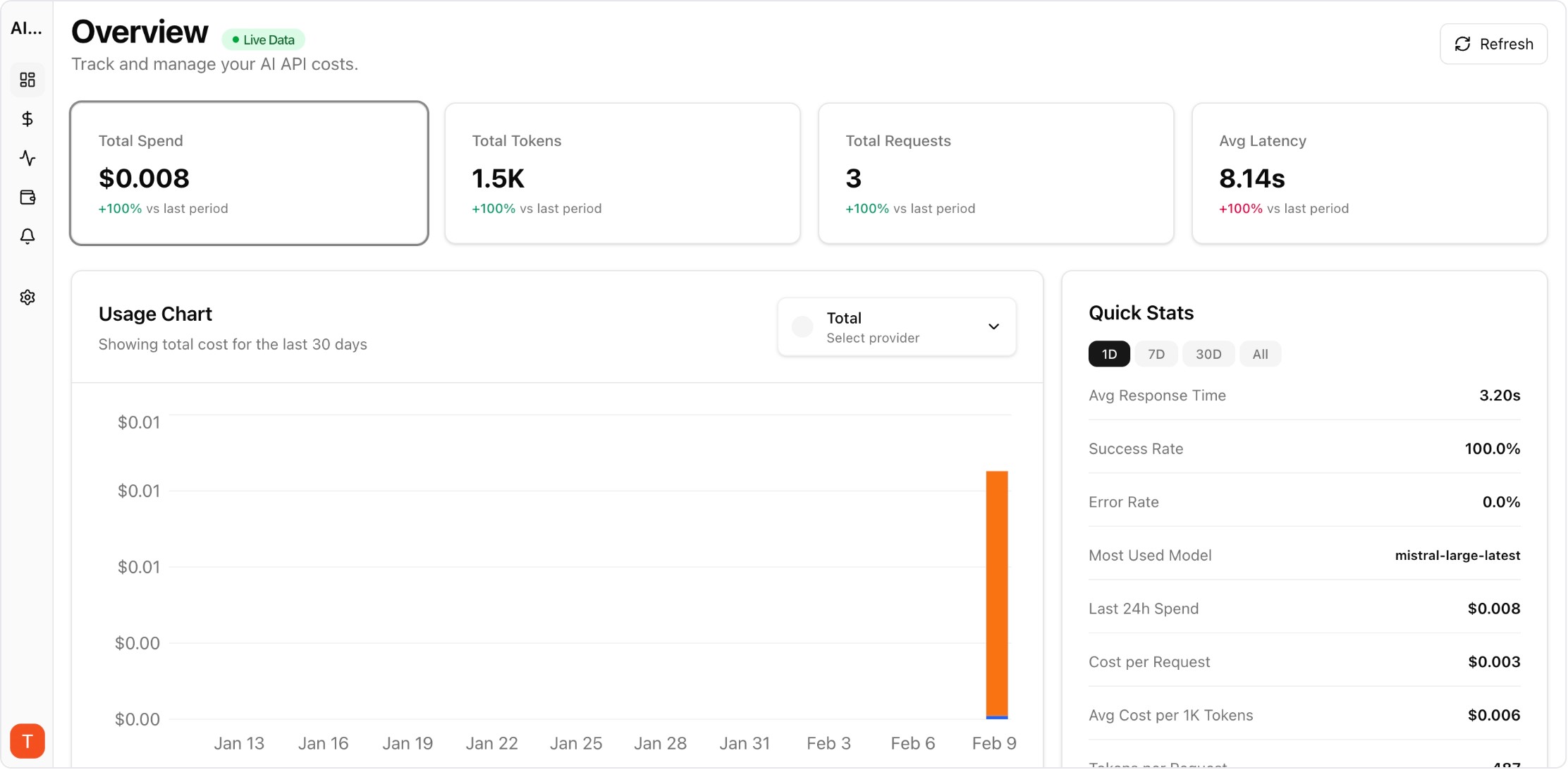
Real UI snapshot used to anchor the operational workflow described in this article.
The average AI power user now interacts with 2-3 different AI providers weekly — Claude for reasoning, ChatGPT for creative tasks, Gemini for Google integrations. The biggest frustration is context fragmentation: each AI knows different things about you, and none has the complete picture. AI memory portability solves this by letting you maintain a consistent AI identity across all providers.
Real UI snapshot used to anchor the operational workflow described in this article.
Every time you explain your job title, communication preferences, or project context to a new AI, you waste time and get worse initial results. Multiply this across three providers used daily, and you lose hours per month on repetitive context-setting. Worse, each AI develops a different and incomplete understanding of you, leading to inconsistent output quality. Context portability eliminates this problem.
Start by creating a master context document — a single text file that captures everything an AI needs to know about you. Include: (1) Identity — name, role, company, location. (2) Communication style — tone, format preferences, verbosity level. (3) Technical context — languages, frameworks, tools, architecture patterns. (4) Active projects — current work, goals, constraints. (5) Instructions — things you always want the AI to do or avoid. Keep this under 2000 words for best import results.
With your master document ready: Import into Claude via Settings, Capabilities, then Add to memory. For ChatGPT, paste the document into a new conversation with the instruction "Please remember all of this about me for future conversations" or use Custom Instructions. For Gemini, paste into a conversation or use the Gems feature to create a persistent context. Update each provider when your master document changes.
The most productive setup uses each AI for its strengths: Claude for complex reasoning, coding, and analysis. ChatGPT for creative writing, brainstorming, and image generation. Gemini for Google Workspace integration, long document analysis, and web research. With shared context across all three, you get consistent quality regardless of which provider you use for a given task. For teams managing API access across providers, AI Cost Board tracks spend across all providers in one dashboard.
Treat your AI memory like important data: (1) Export from your primary AI provider monthly. (2) Save exports with dates as version history. (3) Store in cloud storage or version control for safety. (4) Review and update quarterly — remove outdated projects, add new preferences. (5) If you use AI professionally, this portable context is a career asset that makes you productive with any AI tool immediately.
Claude Memory Import and Export is an early step toward full AI context portability. Expect more providers to offer similar features as users demand freedom to switch without losing context. Standards for portable AI profiles may emerge, similar to how vCard standardized contact information. Until then, maintaining a manual master context document is the most reliable approach to true multi-provider AI freedom.
LLM Cost Optimization Guide: 11 Tactics to Reduce AI Spend Without Losing Quality
cost-optimization · framework
AI Observability Stack for SaaS Teams: What to Measure Beyond Tokens and Spend
observability · framework
Multi-Provider LLM Strategy: How to Reduce Risk and Improve Uptime in Production
provider-strategy · how-to
AI Feature Unit Economics Framework for SaaS and Agency Teams
cost-optimization · framework
AI memory portability is the key to unlocking true multi-provider productivity. Create your master context, import it everywhere, and never explain yourself to an AI twice.