Use Case

Customer Support AI Cost Monitoring

Support automation can look efficient while margins quietly degrade. This use case helps you track AI cost, usage, latency, and failures by queue and resolution workflow.

Audience: Support, Ops, Finance, Engineering

What to measure

MetricWhy it matters
Cost per resolved ticketConnect AI spend to service margin and automation ROI.
Latency by queueProtect customer experience across billing and technical support flows.
Retry/error rateDetect loops and fallbacks that inflate support costs.
Escalation rateBalance lower AI spend with human handoff quality.

Proof from the product

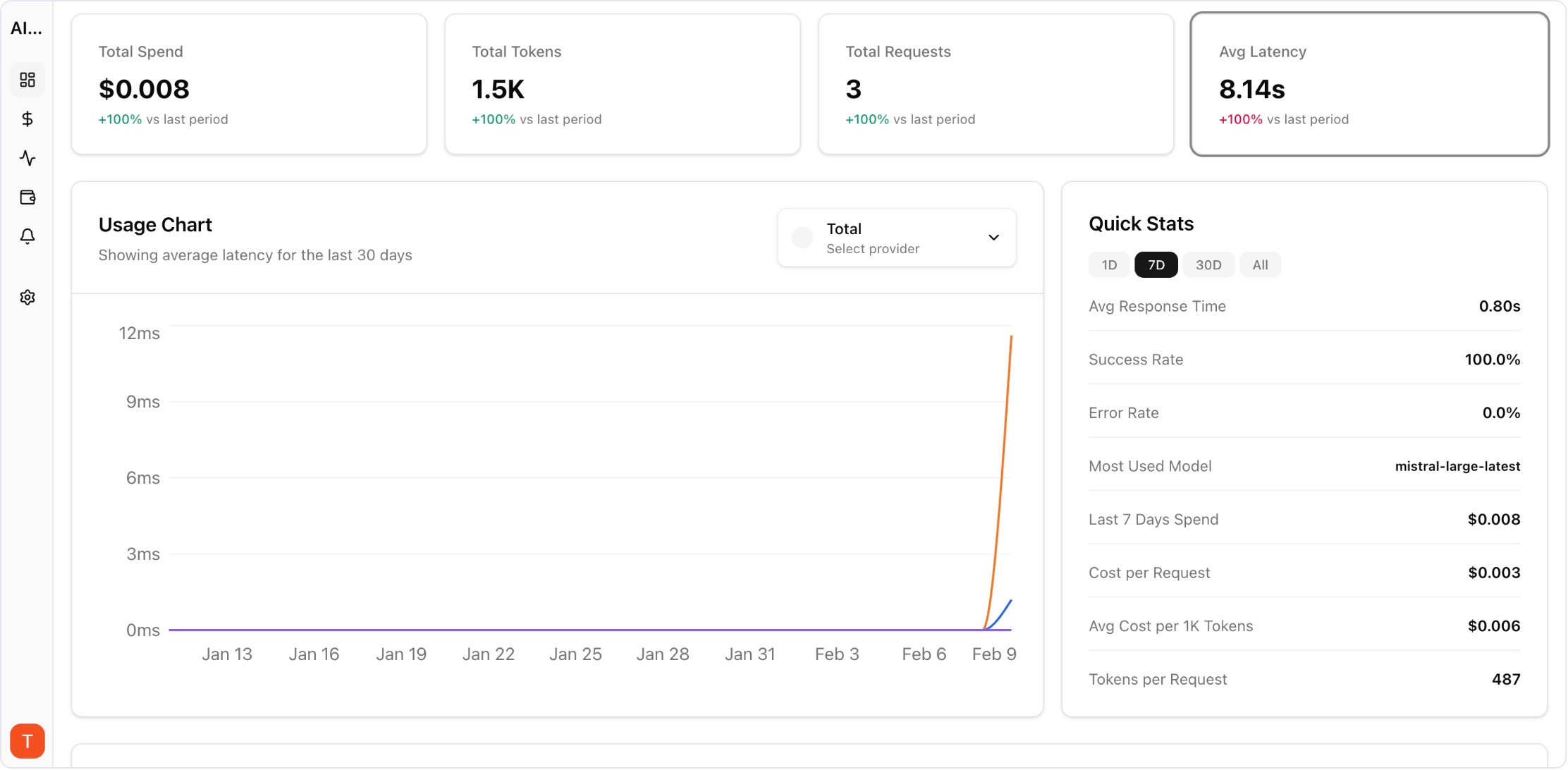
Real UI snapshot from AI Cost Board used in production workflows.

Customer Support AI Cost Monitoring proof screenshot

Real product UI used to support this operational workflow.

Implementation steps

  1. 1. Tag requests with ticket ID, channel, queue, and resolution status.
  2. 2. Track cost, tokens, latency, and errors by support workflow.
  3. 3. Set budget alerts for high-cost queues and retry spikes.
  4. 4. Review weekly with support and finance owners.

FAQ

What is the first metric to implement?

Start with cost per resolved ticket and pair it with escalation rate so cost cuts do not harm service outcomes.

Do I need request-level logs?

Yes. Aggregate spend hides the exact prompts, retries, and endpoints driving margin leakage.

Who should own this workflow?

Support operations and engineering should share ownership, with finance reviewing margin impact.